BRIEF
Design visual system for generative UI on Glasses
- 4 weeks -
ROLE
UX / Visual Designer
COLLABORATOR
UX Engineer
TOOLS
Figma
KEY CONTRIBUTION
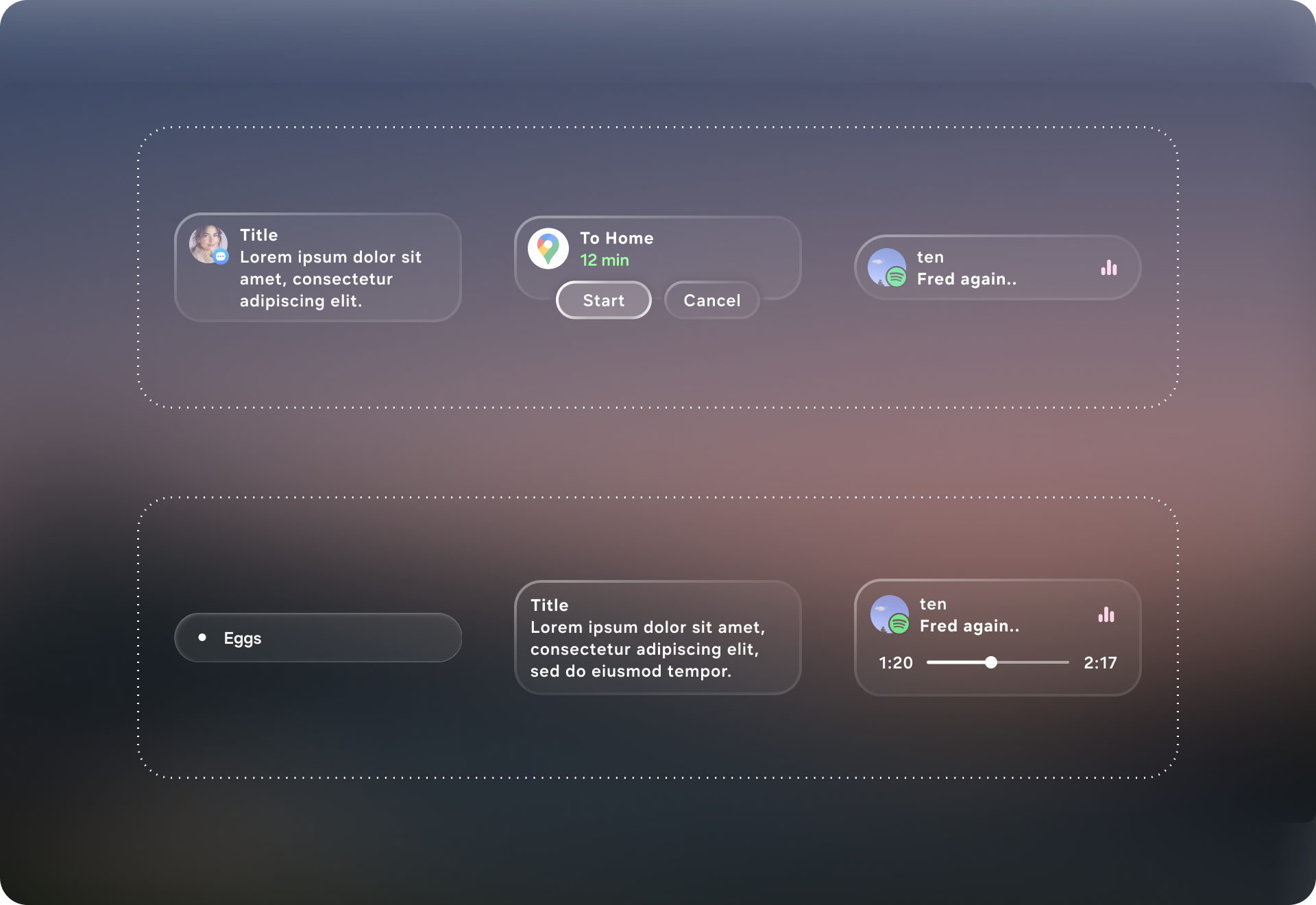
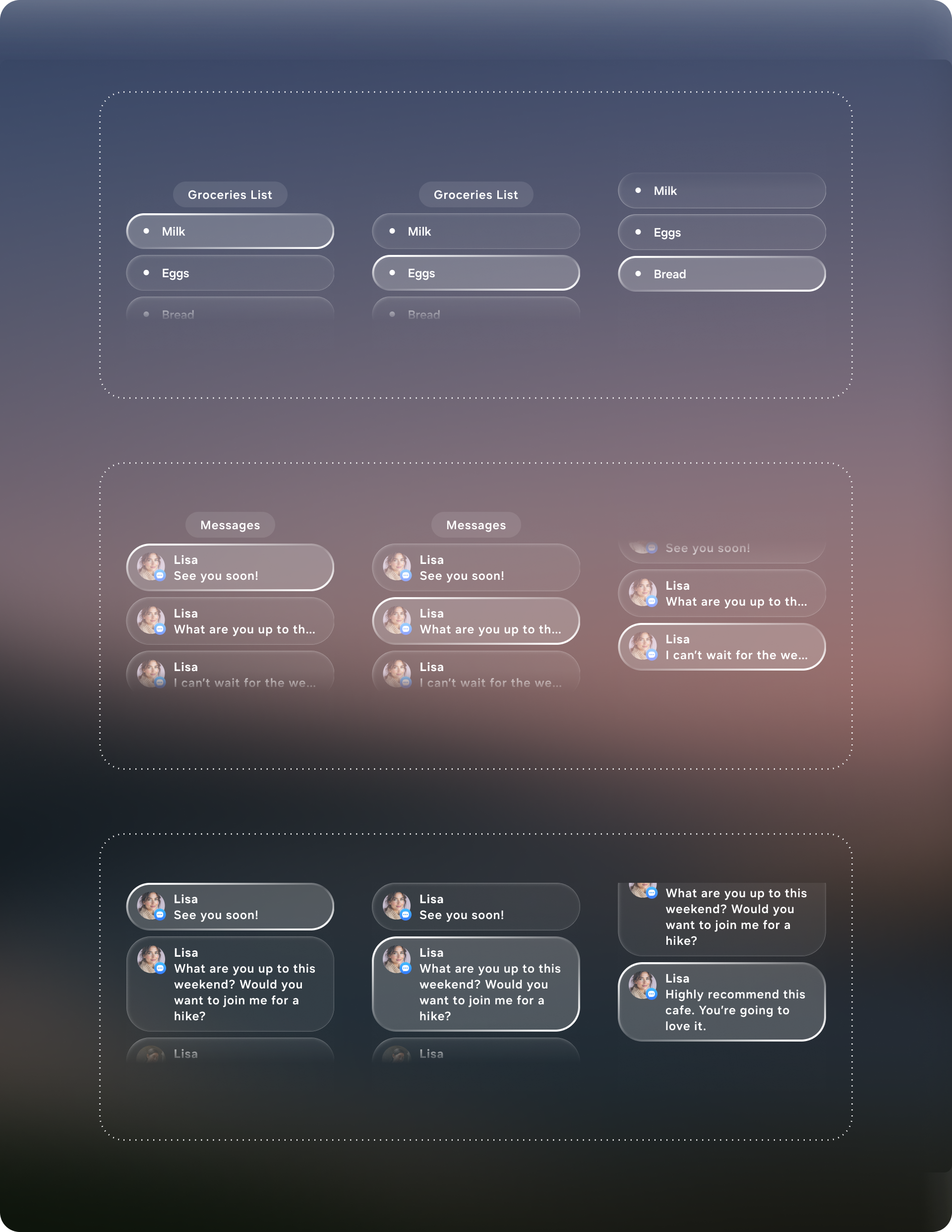
Define the visual system for Generative UI concept. Create modular components that can be used for creating flexible UI by AI.
Context
Most assistant experiences on wearables rely on either voice-only responses or a small number of rigid UI templates, which breaks down the moment requests become diverse, multi-step, or context-specific. Glasses make this tension even sharper: you have limited screen real estate, fleeting attention, and high demands for clarity and comfort. Generative UI turns the assistant into an interface composer—able to produce a task-ready layout that matches what the user is trying to do, instead of forcing every request into the same generic response format.
Define the visual system, layout rules, and modular component set that enables an AI system to generate usable interfaces reliably on glasses.
Challenge
The core challenge is designing components that are modular enough to cover a wide range of intents, yet constrained enough to prevent messy or unsafe outputs. A generative UI system must balance flexibility with guardrails: it needs to gracefully scale from one-line confirmations to multi-step flows, adapt to different content types (people, places, playlists, care instructions), and maintain clarity under strict glasses constraints (limited field of view, glanceability, low cognitive load). The component library therefore can’t be “just a design system”—it must function like a composable grammar that supports variability while preserving usability, consistency, and predictable interaction.
Solution
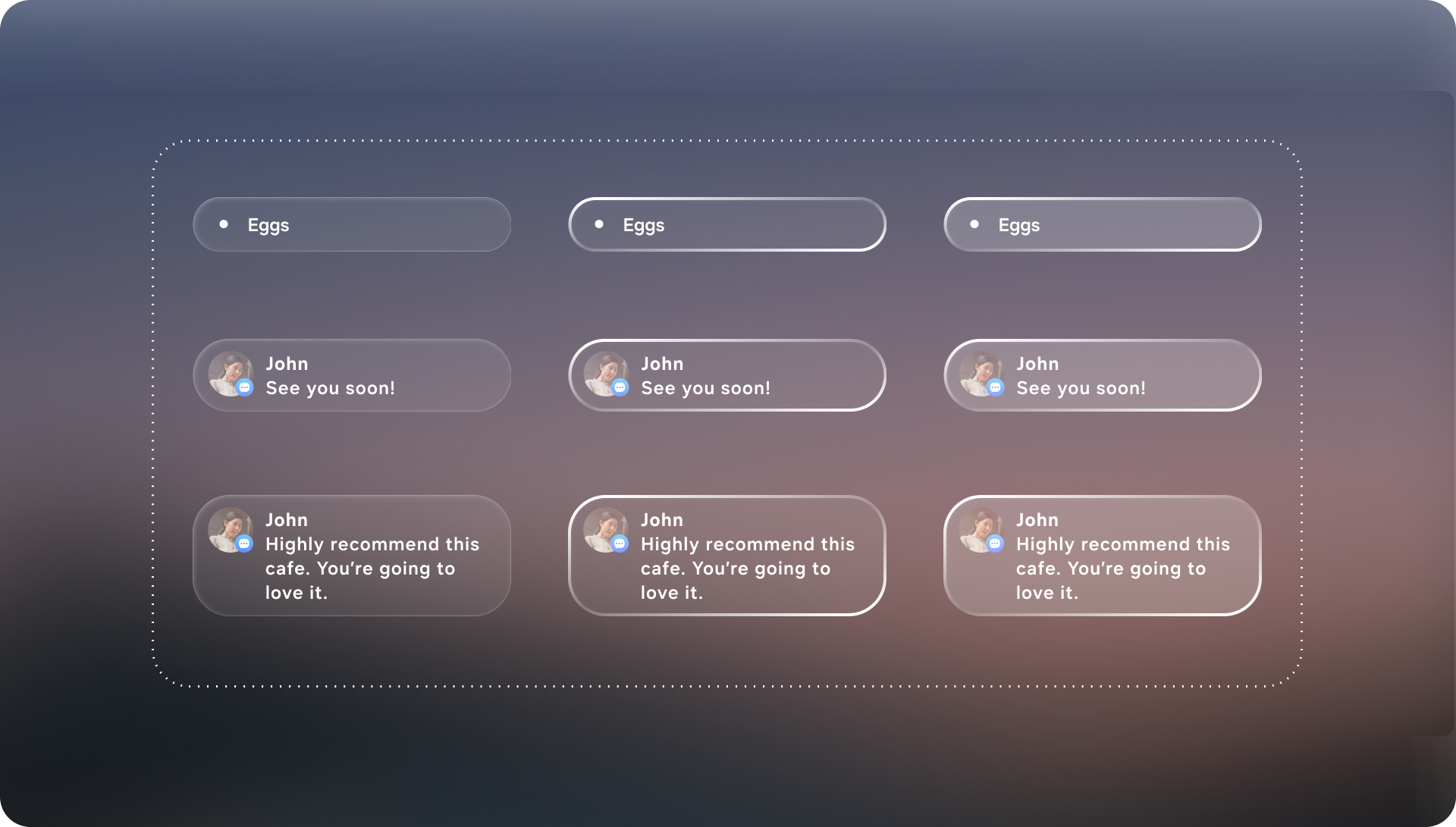
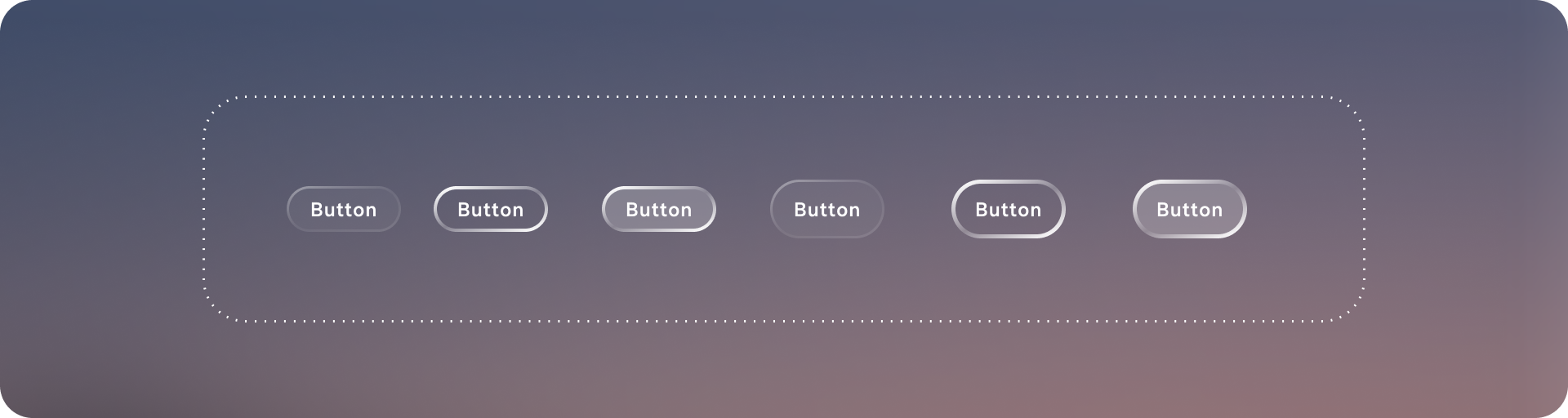
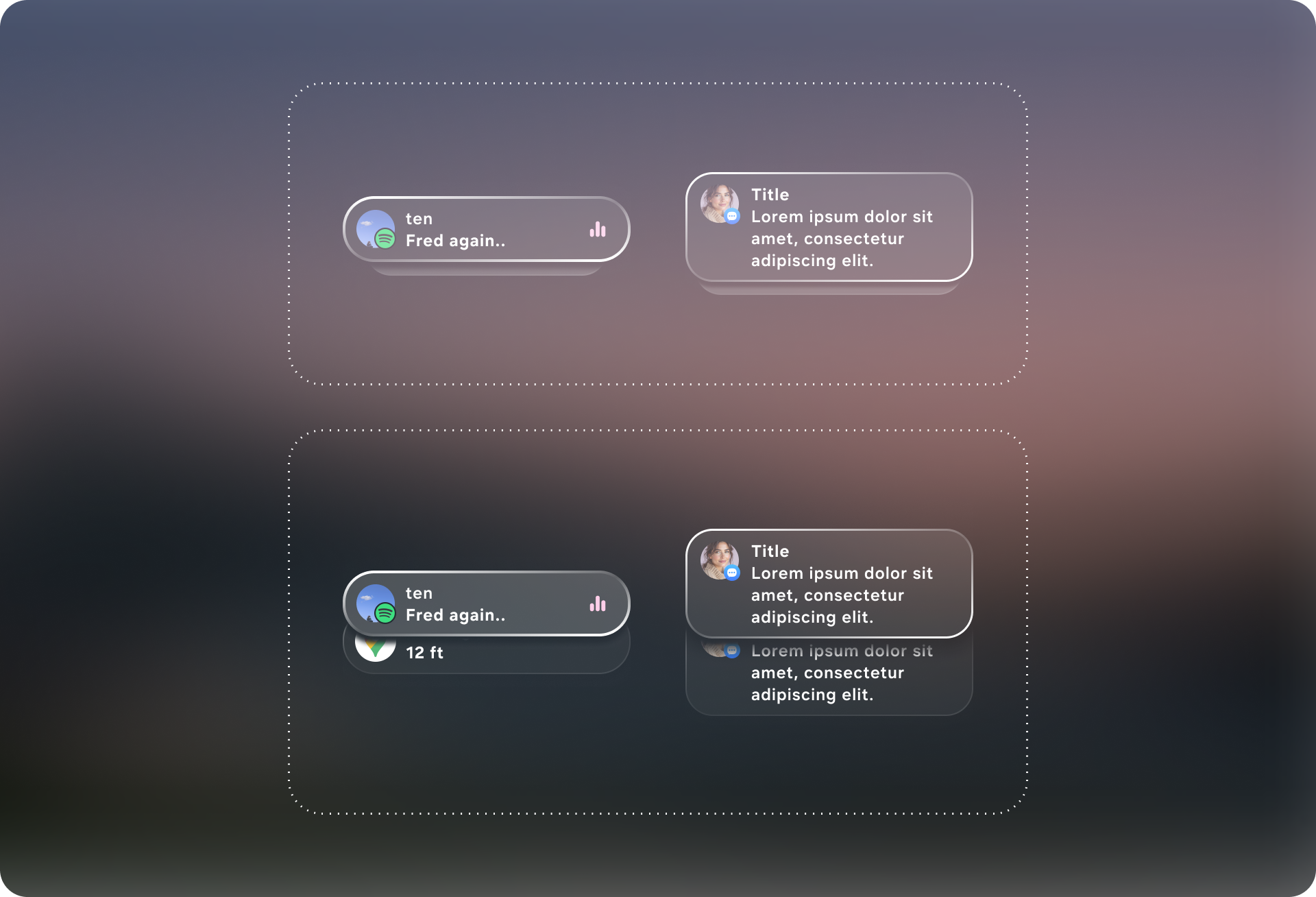
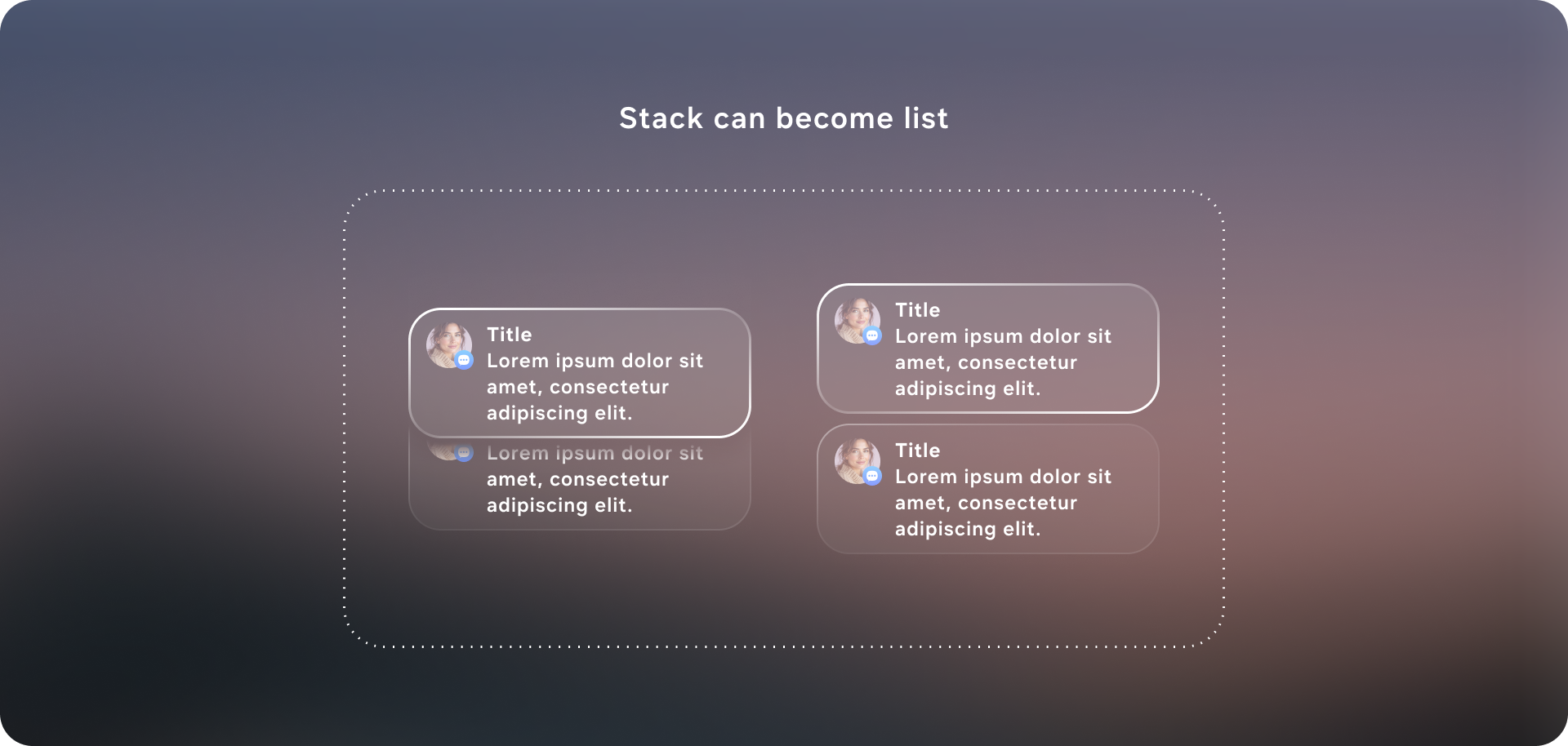
The solution was to design a generative-ready UI system: a constrained visual language and component library that an AI can reliably assemble into task-specific interfaces on glasses. I defined a set of layout primitives (safe margins, grid/stack rules, hierarchy levels, and responsive behaviors) and a modular component toolkit (intent header, entity cards, action rows, confirmation states, step-by-step guidance, and error/clarification prompts) that can be composed like building blocks. Each component includes clear input/output requirements—what data it expects, how it scales with content length, and which interactions it supports—so the model “picks from” a known vocabulary instead of inventing UI. Together, these guardrails let the system generate flexible UIs across messaging, navigation, media, and knowledge tasks while keeping the experience consistent, glanceable, and safe for a head-worn display.